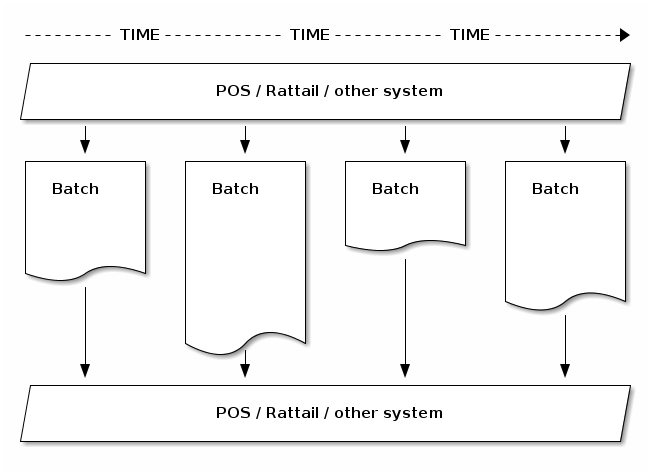
Batches
A batch is essentially a temporary table with row data of a certain type, which can be previewed and finalized before “executing” it. For instance it might be used to handle import of CSV files uploaded by the user, but there are many other use cases.
Note
While a batch may be used to import data, these are different concepts. A true data import process is normally automated, with no preview tooling per se. A batch normally has preview tooling but its execution may or may not import data per se.
For true data import see WuttaSync.
The batch concept (as used here) comes from Rattail; see also Data Batches.
Each batch will be of a certain batch type. Each instance of the app will have just one batch handler responsible for each batch type.
Batch data may come from CSV file, SQL query, external API etc. In some cases (e.g. creating a purchase order, or counting inventory) the data is added over time by the user.
The user can review all data in the batch before executing. Some batches may allow the user to add/remove/modify rows (or other data) in the batch prior to execution.
Upon execution the batch handler’s
execute() method is invoked,
so that will determine what is done with the batch data. Once a batch
is executed, it is “frozen” with no further modifications allowed to
it.